Get tour-level statistics and analytics on your golf game using the Roundabout app. Roundabout turns your phone or Apple watch into your own personal golf coach. It automatically tracks and records every shot you hit, then guides you to the exact area of your game you should practice first. Roundabout builds you a personalized practice plan so you can take it from the course to the range and back.
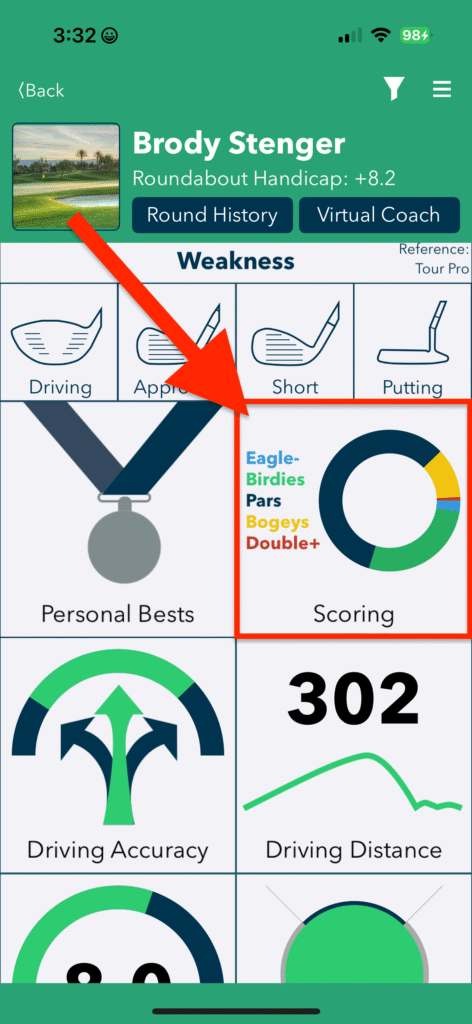
Let’s take a look at the scoring section of Roundabout to look at quick stats; like score by hole, score by the length of the hole, score trend, and scoring by par. Start by tapping the scoring tile on the main screen as shown below.
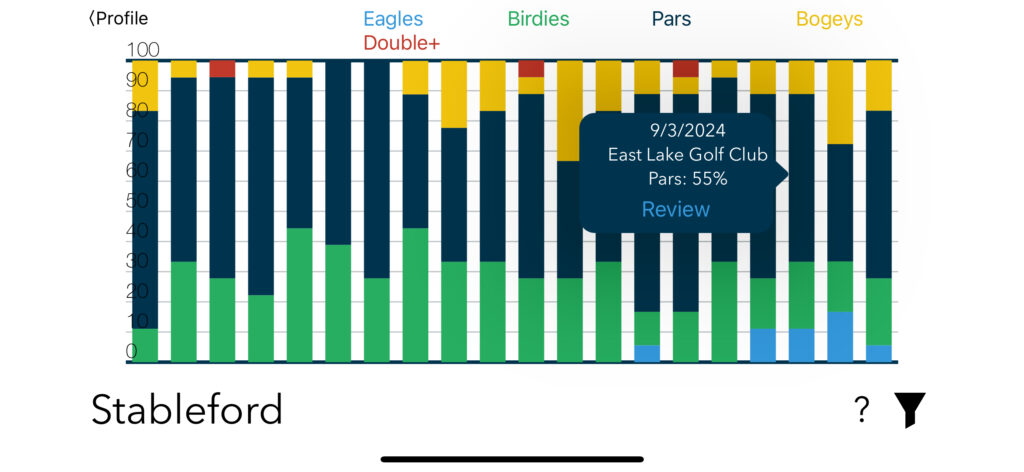
Stableford
Stableford shows what your scores relative to par are doing. Are you making more birdies or double bogeys? Focus on the correct things and see blue and green portions grow. Tapping on the various bars will reveal additional information behind the chart.
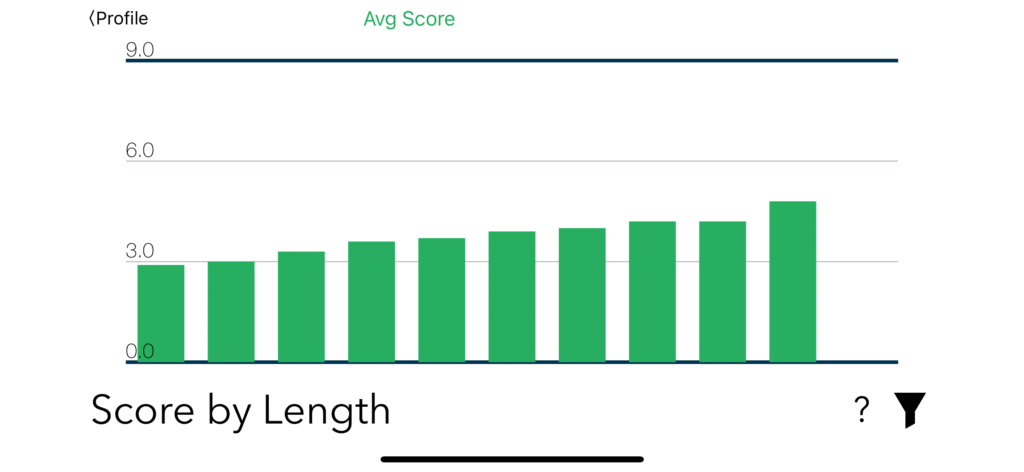
Score by Length of Hole
The graph below indicates how much your score increases as the hole’s length gets longer.
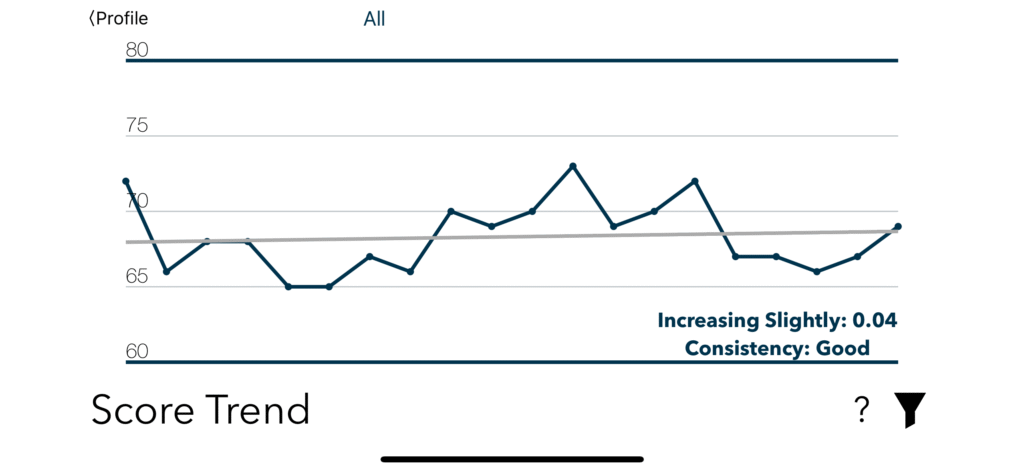
Score Trend
In scoring, you’ll also see your scoring trend. It’s here that you’ll definitely want to see your score trending downward.
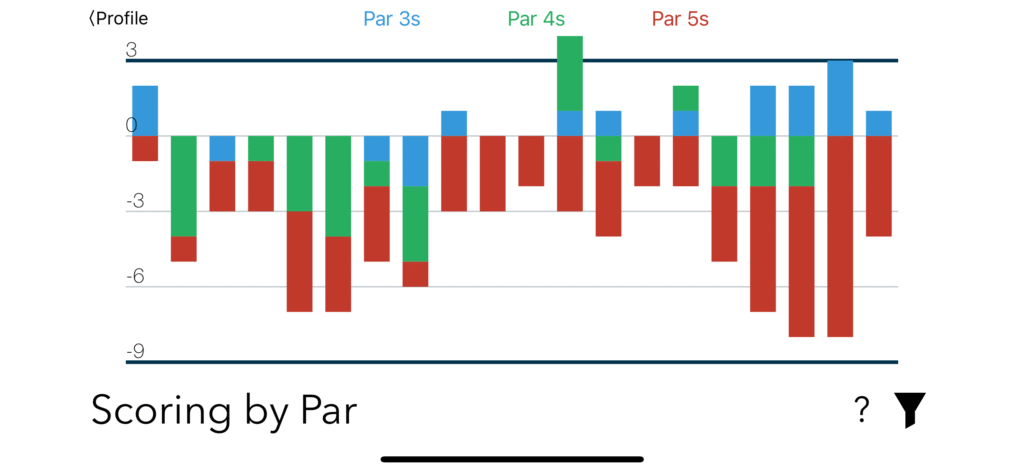
Scoring by Par
See your scoring separated out by par 3s, 4s, and 5s. Get an understanding of areas in which you can improve on to help guide your practice.